Retain App: Write more effective emails with deep expertise
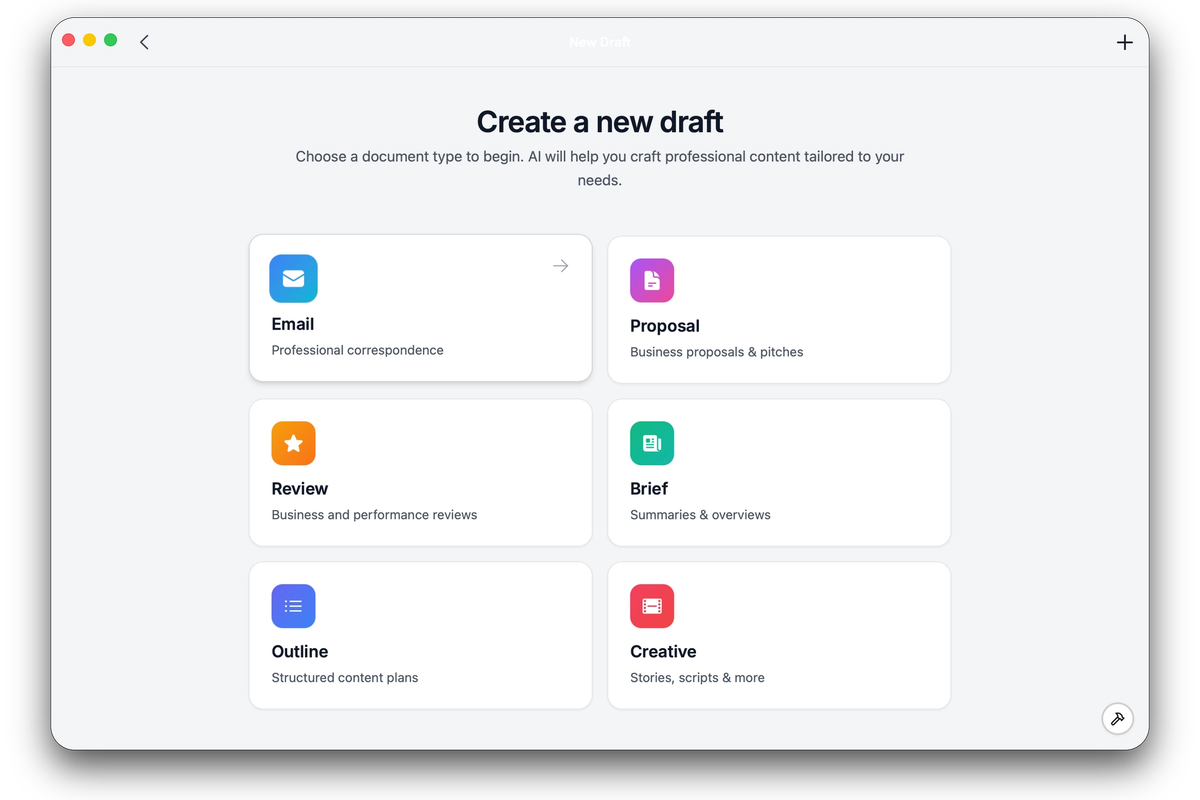
Retain makes it easy to write professional, high-impact emails by collaborating with a team of AI expert agents. Here’s how you can use Retain’s AI team features and enhancement tools to improve your email workflow:
1. Select an Expert Agent
Choose a specialized AI agent best suited for your needs. For example:
- CFO Expert: For financial analysis or budget-related content.
- Marketer Expert: For campaign planning, promotional emails, or marketing insights.
- Other Experts: Select from a range of AI agents based on your specific requirements.
Tip: If you don’t select a specific expert, Retain will use input from multiple agents for a balanced response.
2. Use Shortcuts to Add Context
Speed up your email drafting by using convenient shortcuts:
- Follow Up: Reference past conversations or action items.
- Delegate: Tag tasks or requests for others.
- Request Meeting: Quickly propose a meeting with context.
After clicking a shortcut, select relevant knowledge base items. These will be included automatically in your next message, ensuring your email has accurate, personalized context without manual copy-paste.
3. Draft with AI-Powered Suggestions
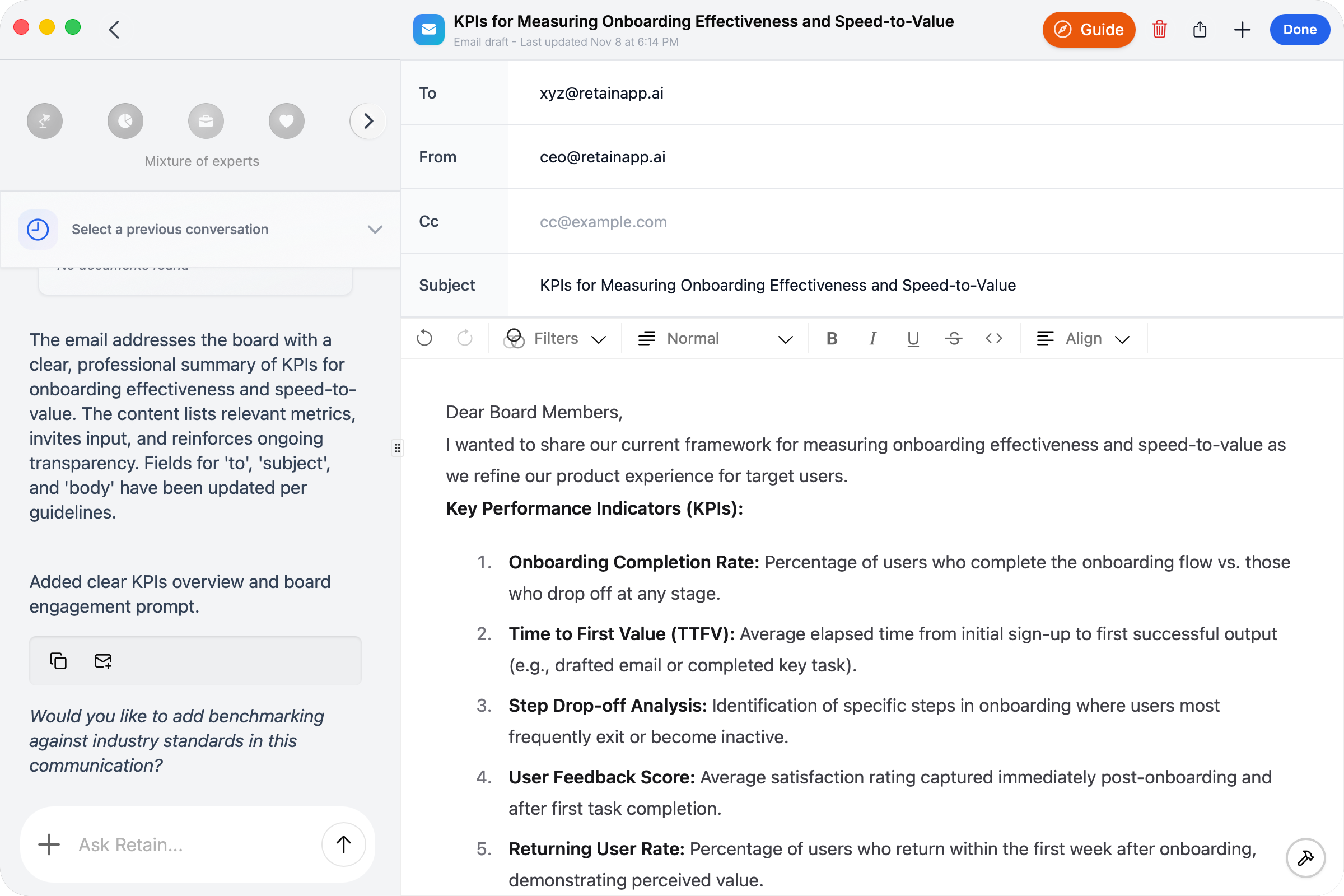
Describe what you want to write in the chat box. Retain’s AI leverages your knowledge base and selected expert(s) to generate a personalized draft that fits your goals and audience.
4. Enhance Your Draft with Text Filters
Highlight any part of your email draft and use the Filters menu to instantly improve tone and clarity. Available enhancement options include:
- Make Persuasive: Refine arguments for stronger impact.
- Make Concise: Shorten text for brevity and focus.
- Make Professional: Improve formality and polish.
- And more: Explore additional filters suited to various communications.
5. Share or Send Your Email
Once satisfied, simply click the share button:
- Send via Gmail (if connected). Click here to learn how to connect your email to Retain.
- Copy as Rich Text for use in any email client, including support for bullets, tables, and other formatting.
Summary:
Retain’s AI team and filter features help you quickly produce tailored, high-quality emails with precise expertise. Select your expert, add context with shortcuts, generate an AI draft, enhance with filters, and send—all in one streamlined workflow.
Need help?
Can't find what you're looking for? Contact our support team for a quick reply.
Contact Support